self driving car[sor]
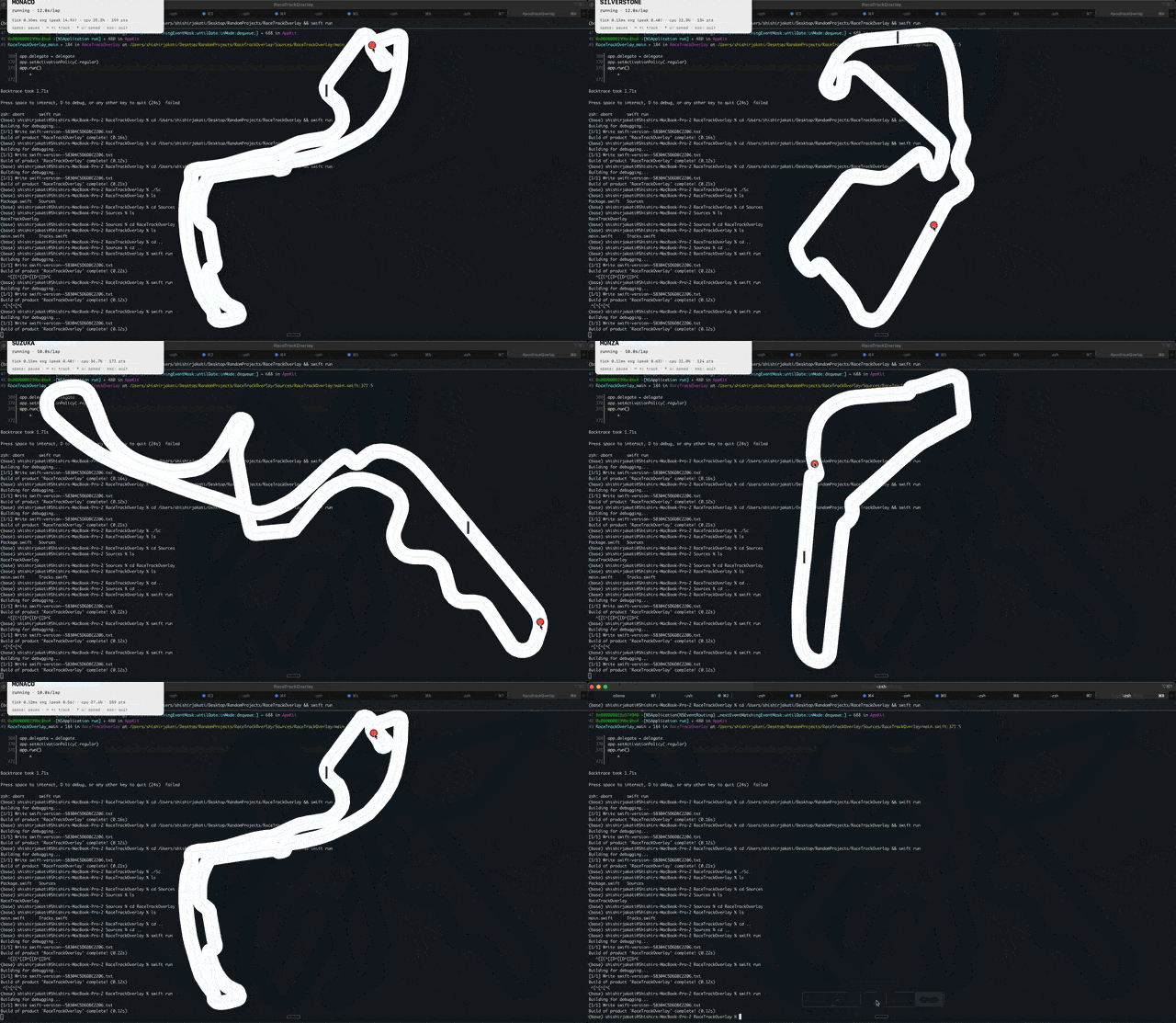
I spent a night this weekend wiring up macOS event APIs to f1-circuits and ended up with a cursor that can follow the track and cleanly hand off back to the user. Here’s what I learned about trying to create a smooth control handoff.
How the pieces fit
Two things you need before the rest makes sense:
The coordinate system.
macOS has two coordinate conventions that are the opposite. Cursor control has to live in both of these coordinate systems at once. AppKit - NSView, NSWindow, NSSCreen, NSEvent.mouseLocation all where the origin is bottom-left, and each screen has its own local frame. CoreGraphics - CGEvent, CGWarpMouseCursorPosition where the origin is top-left globally across displays. The primary display has the anchor point at (0,0) at the top left, and all the other monitors occupy space around that anchor. Drawing a track and reading the user's mouse stays in AppKit's world. Moving the cursor demands Core Graphics's world. So every warp is a 4-step pipeline ending in a y-flip:
let windowPoint    = view.convert(viewPoint, to: nil)            // view  → window
let screenAppKit   = window.convertPoint(toScreen: windowPoint)  // window → screen (AppKit)
let mainHeight     = NSScreen.screens.first!.frame.height
let cgPoint        = CGPoint(x: screenAppKit.x,
                             y: mainHeight - screenAppKit.y)     // flip to CG global
CGWarpMouseCursorPosition(cgPoint)
That mainHeight - y is the entire bridge between the two worlds. Forget it once and your cursor snaps to the bottom of the screen instead of the top, and you'll spend 20 minutes thinking your track data is wrong.
Multi-display makes it more difficult as mainHeight is the height of the primary display. For this project I only care about the main screen, so I cheat with NSScreen.screens.first.
The tracks.
The tracks come from the awesome f1-circuits repo of GeoJSON files made from OSM traces of every f1 circuit. Each track has ~150-300 pairs of lat/long points. For this project I imported Monaco, Silverstone, Spa, Suzuka, Monza, and CoTA. Converting lat/lon to window pixels is technically map projection territory, but since F1 circuits are ~7 km across at most, the Earth's curvature is a rounding error. You can treat the globe as flat and just focus on the x,y scaling.
I wanted every track to fill the screen as much as possible while respecting its real-world geometry. My first pass was to normalize the projected points into a unit square [0, 1]². For a long, narrow track like Spa, this meant it sat in a thin horizontal slice x ∈ [0, 1], y ∈ [0.33, 0.67]. I then mapped that unit square into the trackRect.
This double-counted the aspect compensation. Spa was being squished into the middle third of the unit square and then drawn into a square container, leaving it occupying about a fifth of the screen. You ended up with a tiny track and massive amounts of dead space.
The fix was a clean separation of concerns. The loader now stretches each axis to [0, 1] independently and stores the bounding-box ratio as a separate aspect field. The view then inscribes a trackRect with that ratio into the available bounds allowing waypoints to fill the space edge-to-edge. Every track now uses exactly as much screen real estate as its shape allows.
The journey
I had a clear picture of what I wanted. Eleven attempts later, I had it.
1. Basic track on screen.
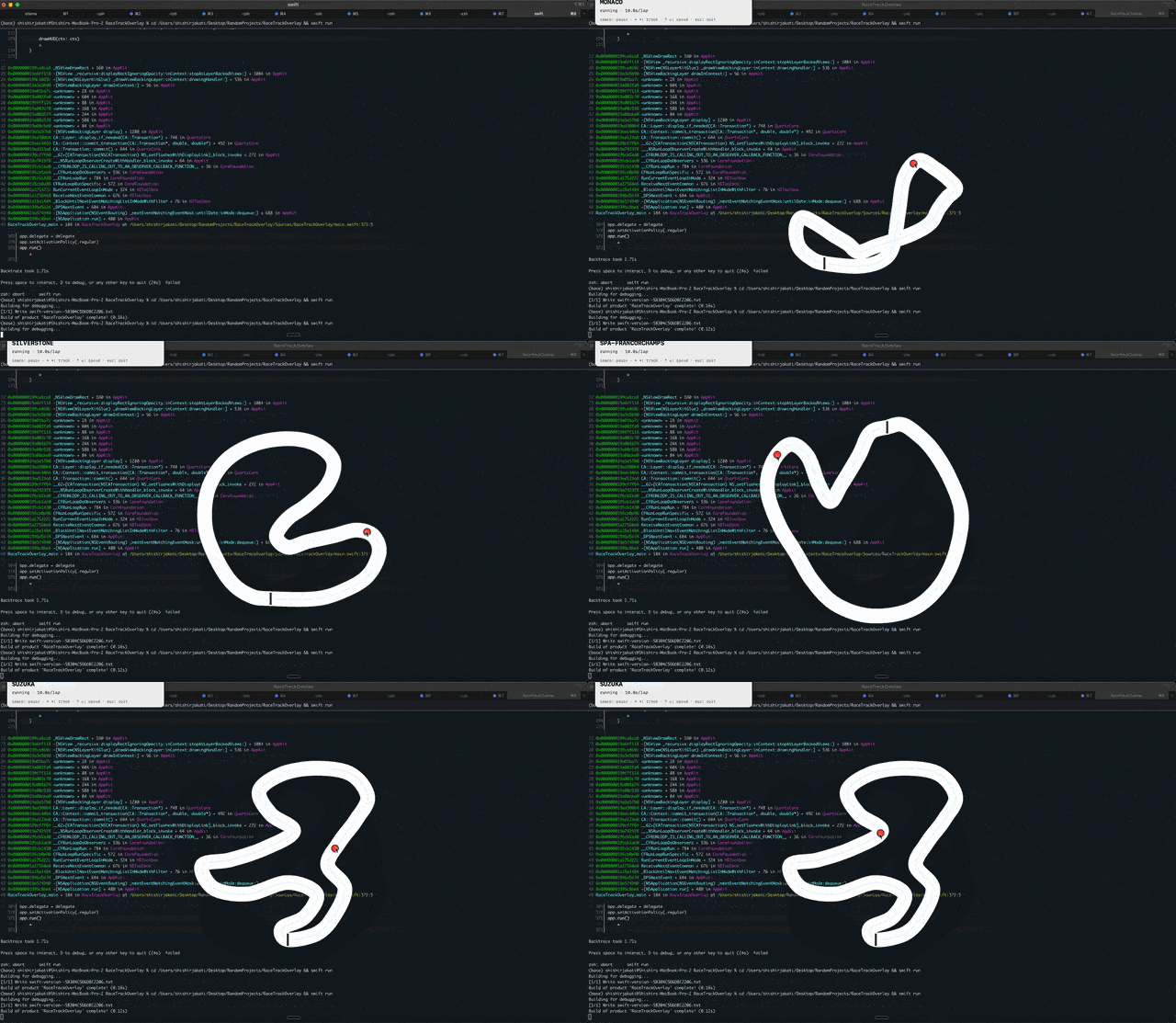
Before importing the GeoJSONs, I told Claude to just guess. Which lead to some really wonky lookin tracks.
2. Iterating on the look.
At this point I had Claude add in the actual Geo points, so we got some nicely formatted tracks. Also I added in a small performance tracker (I was curious how much CPU this was actually taking to run) I kind of abandoned the profiling because building the tracks was too much fun.
I also added a small action panel at this stage.
3. Rage-shake as control input.
One thing I’ve been interested in using more is rage shakes. It seemed natural to me, a way to do an action without a fine tuned input. Almost like you’re trying to wrestle back the cursor. But mostly I was inspired by how elegantly it was implemented in Muffle a focus tool that I love using on my mac. Muffle let’s you do a slight shake and it turns on the focus mode.
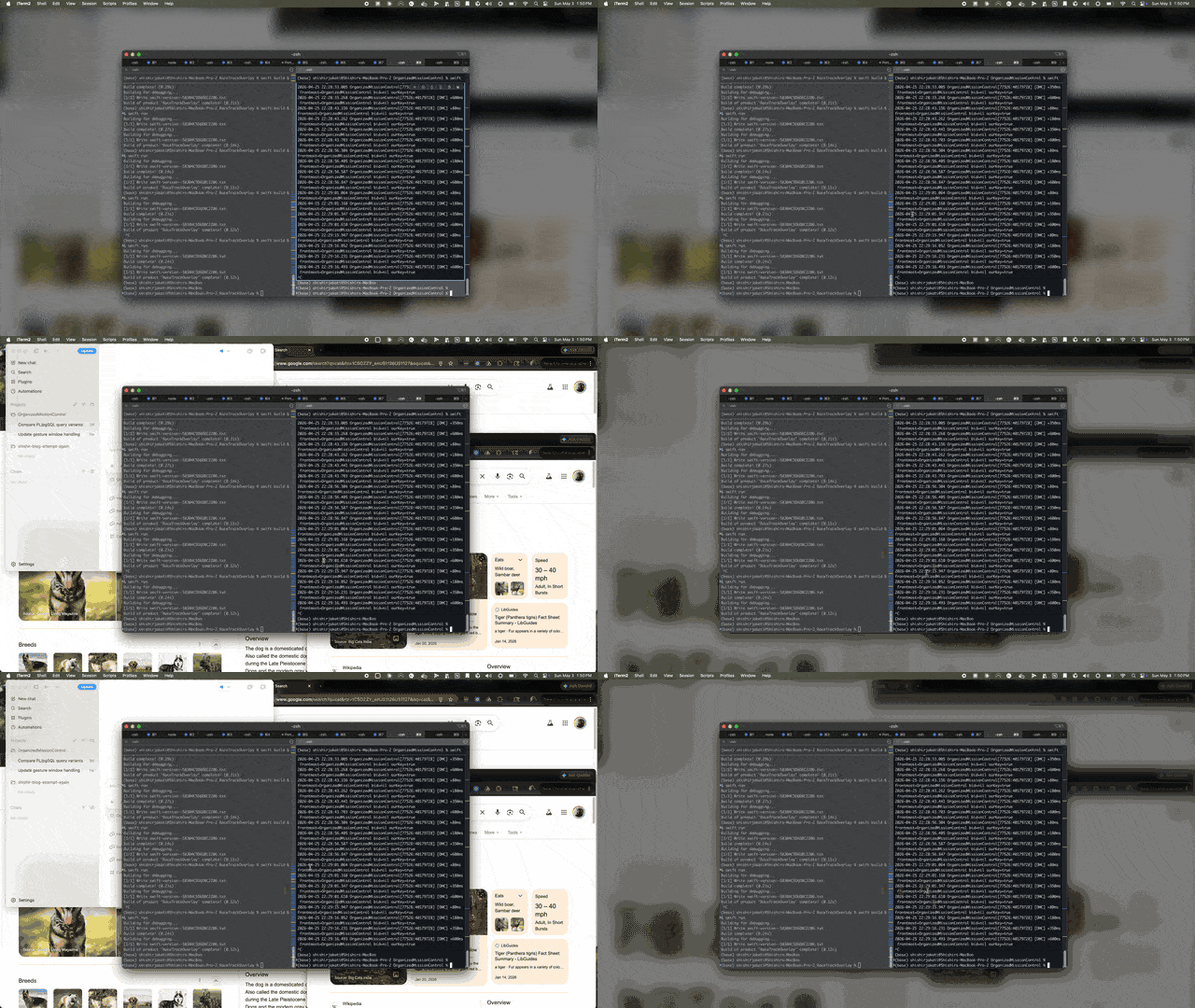
I thought a shake would be an easy way to get back cursor control from the track.
4. Trying to steer with rage-shake.
The main problem was that I actually was wrestling with the cursor control. The detection mechanism checked how many times the user flipped the cursor over a single axis in a given timeframe outside of a given area. The problem was that it wasn’t at all elegant to the user. They would pause the track, do the rage shake, and then be able to move their mouse again.
5. Pivot to "nudge."
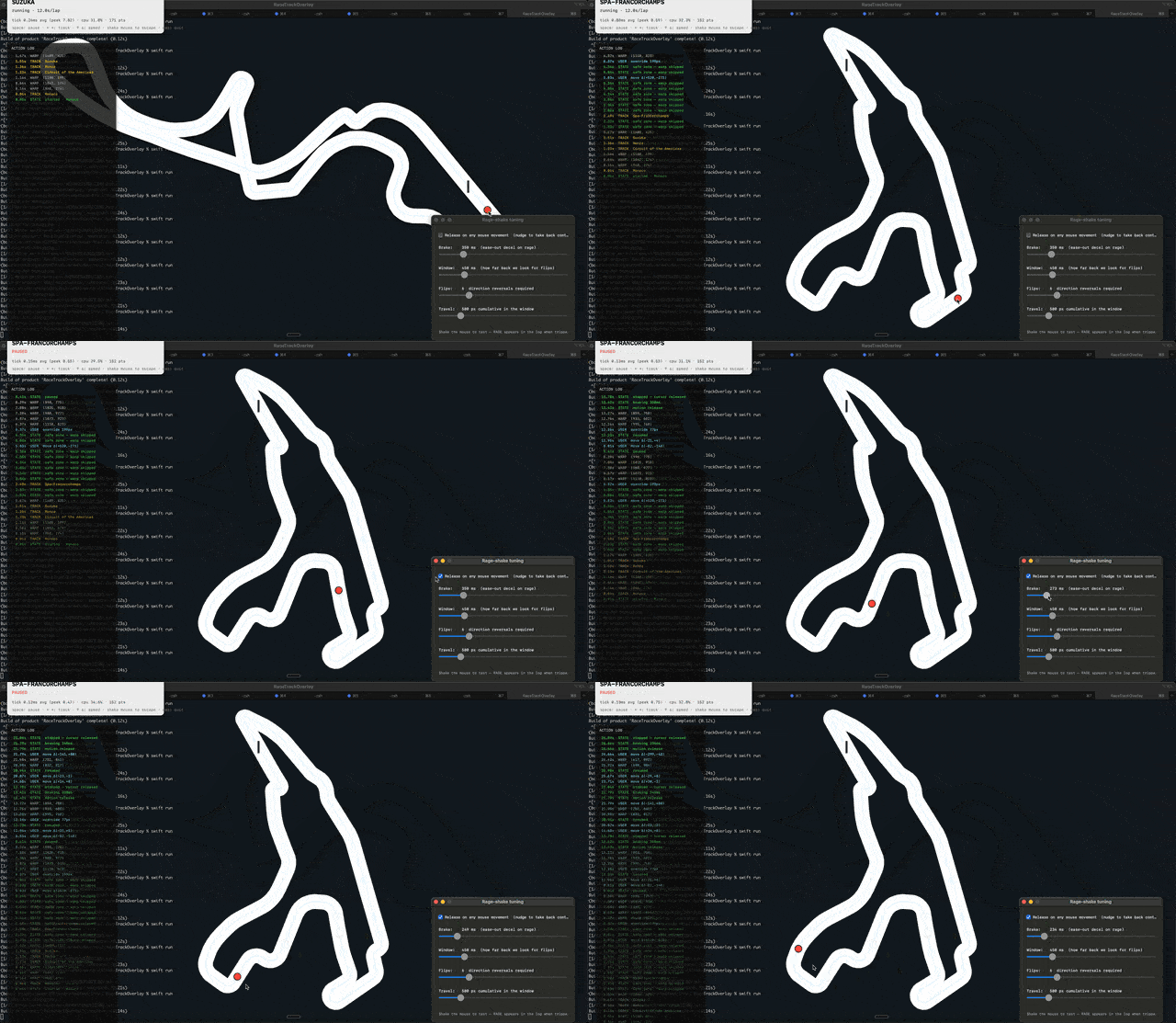
The core realization was that users don't want a "gesture" to get their mouse back; they just want their mouse back, so I swapped the rage-shake for a "release on movement" toggle with a 2-pixel threshold.
6. Tuning the decel threshold.
I kept the "rage" for a more cinematic exit: a 350ms ease-out followed by a critically-damped spring (ω=25 rad/s).
7. Pre-empting the cursor.
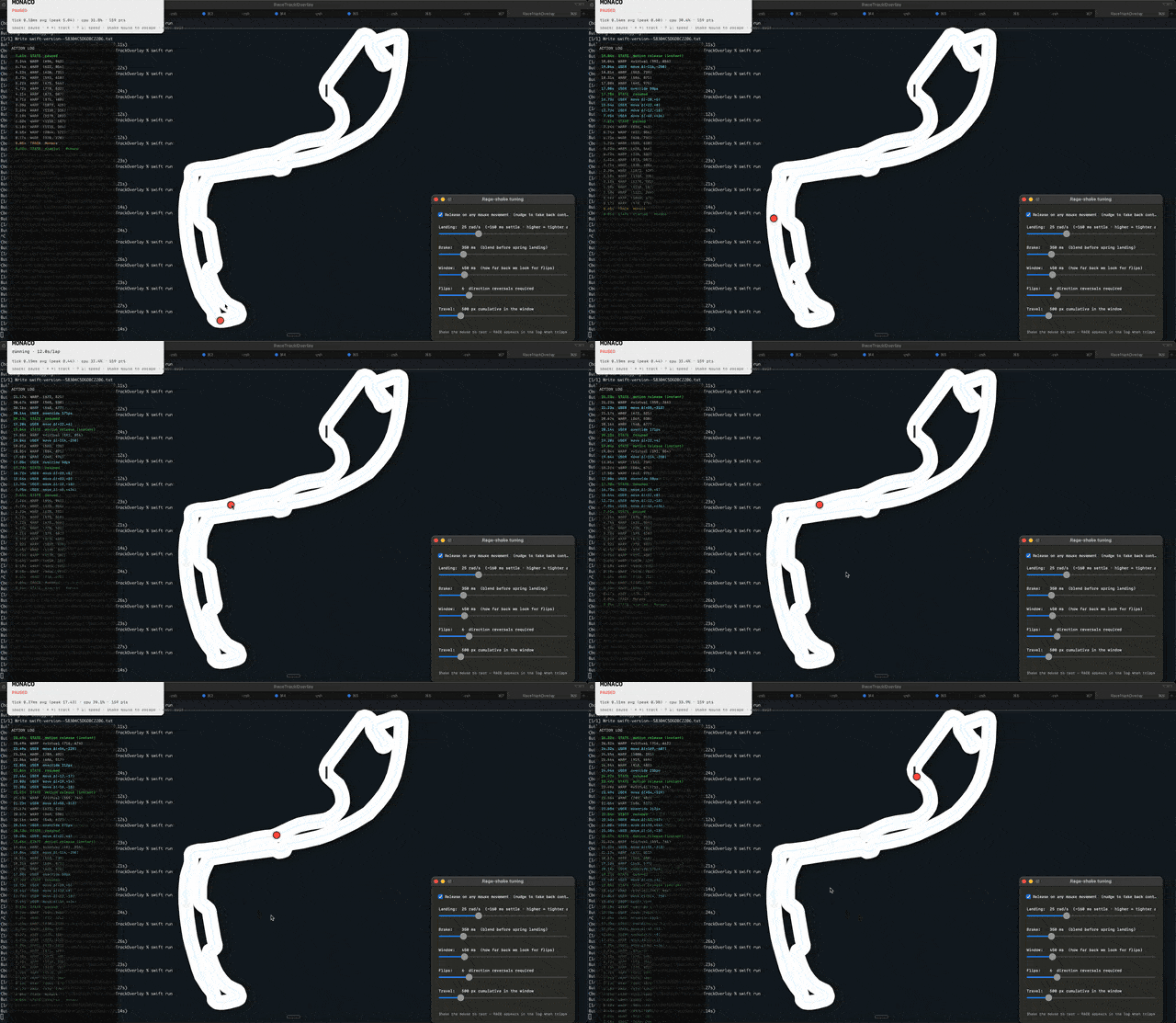
I tried to be clever by tracking a "virtual cursor", tracking the position the mouse would have been without my warps and teleporting there on release. In practice, the deltas accumulated over the session until the virtual cursor just became unusable and flew off the screen.
8. Losing the plot.
By this point, my diff was a mess of velocity estimators and moving-frame springs. I was solving bugs I'd introduced three commits ago. The code was doing too much math to solve a problem that should have been simple.
9. Big pivot: stop warping the cursor.
The "obvious" fix: just stop calling CGWarpMouseCursorPosition the moment a nudge is detected. No blending, no physics. I deleted fifty lines of complex deceleration code and replaced it with a single boolean. It felt like the right path.
10. Un-pivot.
Almost. I hit a one-frame snap-back because the display link and mouse events are both main-thread. A tick would fire between the user's nudge and my handler, warping the cursor to the track one last time before pausing. That tiny flicker was enough to break the illusion.
11. It just worked — by not blending the streams.
The mistake was trying to average two control signals. The fix was to never mix them. When the user moves the mouse, I perform exactly one warp to event.cgEvent.location and then just stop driving. That’s it lol.
mouseMonitor.onAnyMotion = { [weak self] locAtEvent in
    guard let self, let drv = self.driver, !drv.isPaused else { return }
    CGWarpMouseCursorPosition(locAtEvent)  // ground truth from the OS
    drv.isPaused = true                    // and we're out
}
What's next / known broken
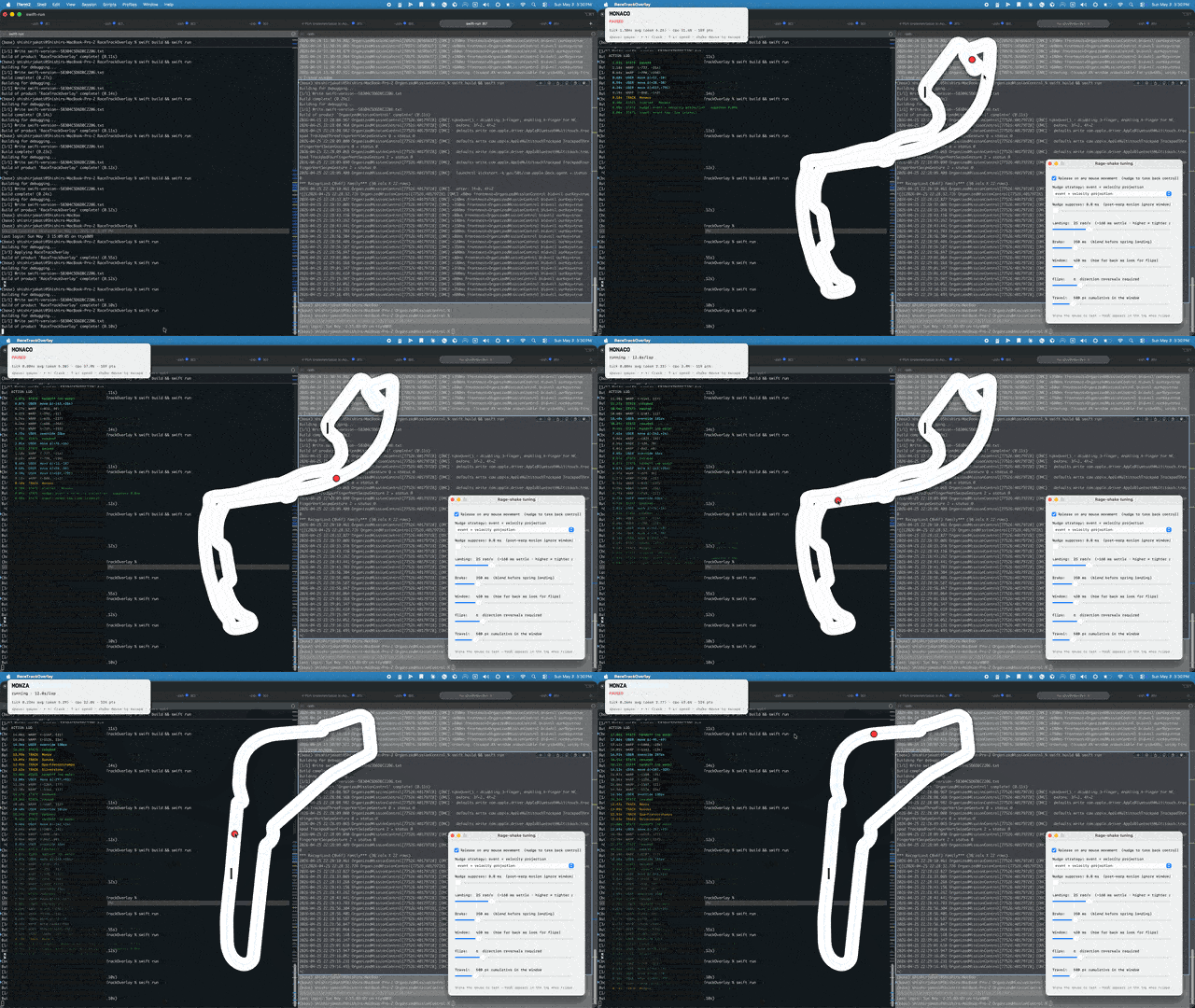
That was a fun vibe coding project, and taught me a good amount about cursors. Probably won’t do anything else with this little project.
There's still a few interesting bugs, especially with the overlay on multiple monitors, but I learned enough about programmatic mouse control for now.